Reconcile and Finalize Before Year-End: 4 Checks First
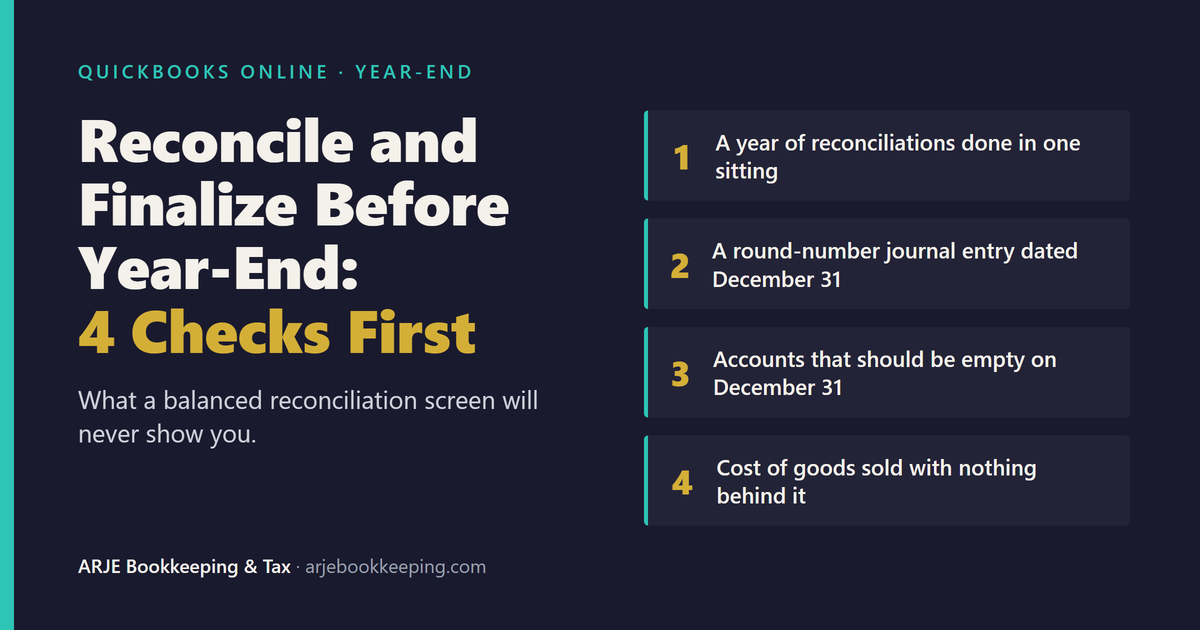
"Reconcile and finalize" is what sellers ask for every fall. Here are four year-end tells to check before anyone locks the books, and what each one means.

Every fall the requests start arriving in the same words. Reconcile and finalize. Cleanup plus
year-end. Get the books ready for the accountant. Ecommerce sellers who have not opened QuickBooks
since spring want one thing: every account reconciled, the year locked, a clean file handed to
whoever prepares the return.
That is a reasonable thing to want. The trouble is the order. Most year-end work reconciles first
and asks questions never. If the books already carry a problem, reconciling on top of it produces a
file that balances, closes and is still wrong. Once the year is locked, the problem is harder to
reach.
So before anyone finalizes anything, run these four checks. None needs special software. Each takes
a few minutes in QuickBooks Online.
Why "reconciled" is not the same as "finalized"
Reconciling proves that the transactions you marked as cleared add up to the bank statement. It
says nothing about whether those transactions belong there, or whether the accounts that never get
reconciled are right. We covered the limits of the reconcile screen in
Your Reconciliation Says $0.00. Here's What That Actually Proves.
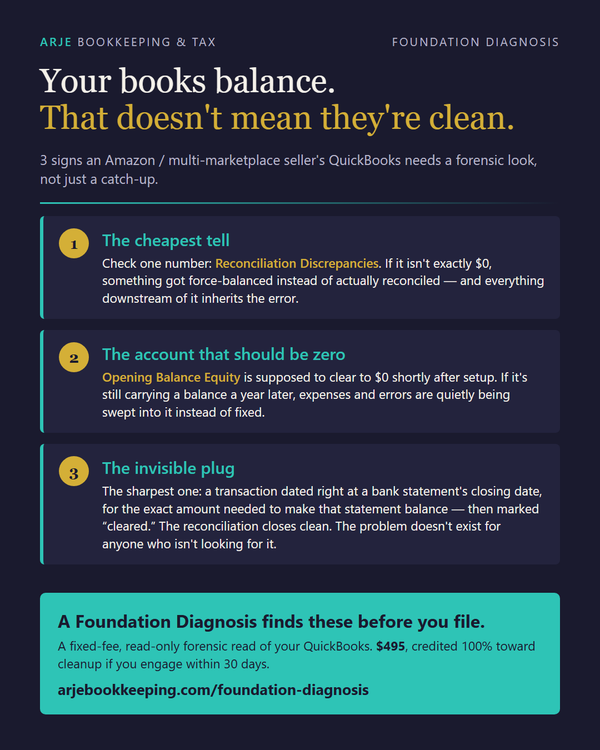
and three balance-sheet tells in
Your Books Balance. That Doesn't Mean They're Clean.
The four checks below are different. They are the ones that show up specifically at year-end,
because year-end is when people rush.
Check 1: A year of reconciliations done in one sitting
Where to look: your reconciliation history for each bank and card account.
For each reconciliation, compare the statement ending date with the "Reconciled on" date shown in
the history. If the dates look wrong, the Audit Log will show who did the work.
Reconciling December's statement in January is normal. That is not the tell. The tell is twelve
statement months, January through December, all reconciled on the same day in late January, across
hundreds of transactions nobody had looked at since they were downloaded.
Why it matters: a backlog reconciled in one pass is where forced balances hide. When a
bookkeeper is closing twelve months in an afternoon, a month that will not tie gets pushed through
rather than traced. If you hear "we reconciled everything at year-end," the next question is when.
Check 2: A round-number journal entry dated December 31
Where to look: run the Transaction List by Date report, set the date range to December 31 (or
the last week of December), and filter Transaction type to Journal Entry. (Sorting by the
Transaction type column header does the same job.)
Scan the amounts. You are looking for round numbers (say $12,000.00, not $11,847.36). Then ask for
the calculation behind each one: a workpaper, meaning the spreadsheet or note that shows how the
number was worked out. The test takes both halves: a round amount and no calculation behind it.
A round number alone proves nothing, and neither does a short memo. One entry that fails both is
worth a question. A cluster of them is a pattern.
A year-end accrual with a stated basis is normal. An estimated bill for December services, backed by
the invoice or the math, is ordinary year-end work, even when the figure is rounded.
Why it matters: real adjustments come from a calculation, and a calculation rarely lands on a
round number. A round year-end entry that nobody can show the calculation for is usually a plug: a
number chosen to make something else come out right. (A plug hidden at a statement close, with a
one-word memo, is a different tell, covered in
Your Books Balance. That Doesn't Mean They're Clean.)
Do not reverse it on a hunch. Find out what it was covering first, because removing it can break
the thing it was quietly holding together.
Check 3: Accounts that should be empty on December 31, and are not
Where to look: the Balance Sheet as of December 31.
Some accounts exist to pass money through, not hold it. At year-end, check:
- Undeposited Funds. A payment still in transit is fine: received in late December, deposited
in January, and you can name the deposit it landed in. Anything you cannot match that way is a
payment recorded but never tied to a deposit. - Settlement or clearing accounts. If you use a clearing account for Amazon payouts, its balance
should tie to a specific settlement still in transit, not a figure nobody can explain. - Suspense, "Ask My Accountant," Uncategorized Income or Uncategorized Expense. These are parking
spots. By year-end, every car should have left.
Why it matters: an $8,000 balance in Undeposited Funds that you cannot trace to a January
deposit usually means income recorded twice, a deposit never matched, or a payment that never actually arrived. Either way, one of the figures on the return is wrong, and the
bank reconciliation will not tell you which.
A clearing account carrying a genuine in-transit settlement over the year-end is fine. The test is
whether you can point at the settlement.
Check 4: Cost of goods sold that shows up once a year, with nothing behind it
Where to look: the Profit and Loss by month, then the cost of goods sold (COGS) entries themselves.
The core test: a single year-end COGS or inventory adjustment with no count or calculation behind
it. A related warning sign is COGS booked in some months and $0.00 in others, with no stated method
explaining why.
A year-end COGS entry is not wrong by itself. Some businesses count inventory once a year and book
cost of goods sold from that count, which is a legitimate method. The finding is the entry with no
calculation behind it: no opening inventory, no purchases, no ending count, just a number.
Why it matters: cost of goods sold is often one of the largest cost lines on an ecommerce return.
If it is a plug, taxable profit is a plug too. The formula itself is in
The $10,000 FBA COGS Trap.
What "finalize" should mean
You can set a closing date with a password in your QuickBooks company settings, so nobody edits the
prior year by accident. That lock is useful. It is also the moment the
checks above get more expensive, because any correction afterwards means overriding the lock or
pushing the fix into next year.
The right order is:
- Run the four checks.
- Trace anything that fires back to its source: the bank statement, the settlement report, the
inventory count. - Correct what is wrong.
- Reconcile.
- Then set the closing date.
Finalizing is the last step, not the first.
If one of these fires
Stop before anyone posts a "fixing" entry into the year. A correcting entry laid over a problem
nobody has traced is how a messy year becomes a poisoned one.
That is what the Foundation Diagnosis is for. It is a read-only review of your QuickBooks Online
file: you send an accountant-user invite with reports access only, or just exports of your
settlement files, bank statements and reports. Within five business days of access and complete
data you get a written
report with a verdict (clean, neglected or poisoned foundation), every finding in plain English with
the evidence, a complexity map, a list of what could not be verified from the access given, and a
fixed-price cleanup quote built from what was actually found. Backdated year-end reconciles are one
of the things it looks for by name.
It is $495, fixed, and it credits 100% toward your cleanup if you engage within 30 days of your
report. Every finding is reviewed and signed by Arnold Dizon, a tax preparer with an IRS PTIN and
QuickBooks Online ProAdvisor. If your books are clean, the report says clean.
Verify this yourself: paste the four checks into any AI assistant and ask whether each is a
standard year-end review step for QuickBooks Online. Then run them on your own file.
Frequently asked questions
What does "reconcile and finalize" mean for QuickBooks Online books?
Reconciling matches each bank and credit card account to its statements. Finalizing means confirming the whole year is correct, then setting a closing date so the year cannot be edited by accident. Reconciliation is one step inside finalizing, not a substitute for it.
Is reconciling December's statement in January a red flag?
No. December's statement usually arrives in January, so reconciling it then is normal. The warning sign is every month of the year reconciled on the same day, weeks after year-end, across hundreds of transactions nobody reviewed during the year.
Can I set the closing date now and fix problems next year?
You can, but corrections to a closed year then require overriding the lock or posting catch-up entries into the new year, and the prior year's reports stay wrong. It is cheaper to run the checks, correct what is wrong, reconcile, and only then set the closing date.
Is a year-end cost of goods sold entry always a mistake?
No. Booking cost of goods sold once a year from an inventory count is a legitimate method. The problem is an entry with no calculation behind it: no opening inventory, no purchases and no ending count to show where the number came from.
What does the ARJE Foundation Diagnosis cost and deliver?
It costs $495, fixed, and credits 100% toward a cleanup if you engage within 30 days of your report. Within five business days of access and complete data you receive a written verdict of clean, neglected or poisoned foundation, every finding with its evidence, a complexity map, a list of unverified items and a fixed-price cleanup quote.
Read more
- Your Books Balance. That Doesn't Mean They're Clean.
- Your Reconciliation Says $0.00. Here's What That Actually Proves.
- Amazon FBA Bookkeeping: The Complete Guide (2026)
Arnold Dizon · ARJE Bookkeeping & Tax Services · IRS PTIN holder · QuickBooks
Online ProAdvisor · Foundation Diagnosis: $495 fixed, read-only, credited 100% toward cleanup within
30 days of report · https://arjebookkeeping.com/foundation-diagnosis/